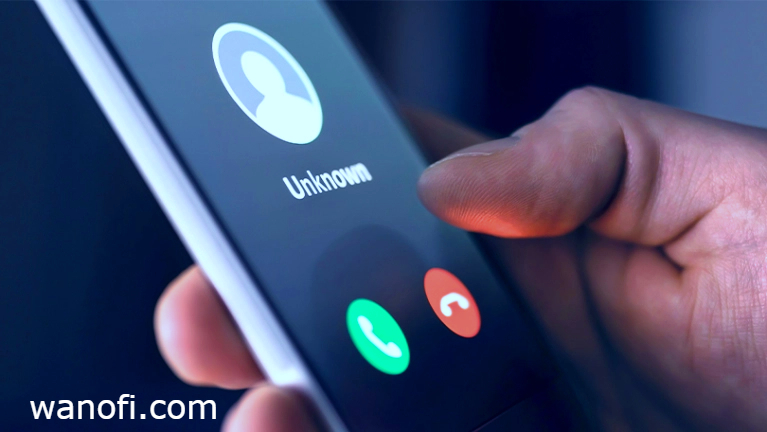
When Telegram login codes are slow or missing, many users assume the problem is the app version. In practice, the bigger issue is usually the network path, Android power settings, or notification permissions, not whether Telegram came from the official APK or Google Play. Telegram says the Android version from its website has “fewer restrictions” and gets automatic updates directly from telegram.org, while the apps on Google Play are built from the same code Telegram publishes. That means the two versions are not different products, so any OTP-speed difference is usually about device settings and delivery conditions rather than a special advantage in one build.
What actually matters for OTP delivery
Telegram states that login and signup codes are sent via SMS and that delivery reliability can vary by region and other factors. For Ethiopian users, that means delays can come from the carrier route, temporary congestion, or how the phone handles incoming messages, not just from which Telegram app is installed. Telegram also notes that if you receive a code in the “Verification Codes” chat, it is often tied to a third-party login request, and your account is still safe if you did not request it.
Official APK vs Play Store: the real difference
The official APK from Telegram’s website is useful because Telegram says it has fewer restrictions and receives updates directly from the source. The Google Play version is still official and built from the same published code. So from an OTP perspective, the APK is not magically faster by design, but it can be a cleaner choice if you want the latest build directly from Telegram without waiting on store-side behavior.
Why notifications can affect the experience
On Android 13 and newer, apps need the POST_NOTIFICATIONS runtime permission to send non-exempt notifications, and newly installed apps start with notifications off by default until the user grants permission. If Telegram cannot post notifications properly, login prompts and code alerts may feel delayed or easy to miss. That matters especially when you are waiting for a verification code and expecting an immediate alert. Tkg
Background restrictions can also slow things down
Android has long restricted what apps can do in the background. Doze and App Standby can defer background CPU and network activity, and Android 8.0 introduced stronger background execution limits. In plain language, a phone that is aggressively saving battery may make Telegram slower to wake up, check for updates, or surface a message at the exact moment you expect it.
Best troubleshooting tips for Ethiopian users
Start with the official Telegram APK if you want the most direct update path from Telegram itself, then make sure Telegram has notification permission enabled on Android 13+ and is not heavily restricted by battery settings. If your phone is using aggressive power saving, Telegram may be delayed in the background even though the app is working normally. If you already have Telegram logged in on another device, Telegram says you can use the code there or use QR login in supported cases, which is often faster than waiting for SMS.
Bottom line
For most users in Ethiopia, the official APK is the better pick when you want the cleanest Telegram experience, but it is not the reason OTP codes arrive faster. The main drivers are SMS route reliability, device power management, and notification settings. If your goal is a practical Telegram SMS code solution, focus first on permissions, battery optimization, and whether you can receive the code on another already logged-in Telegram device.